
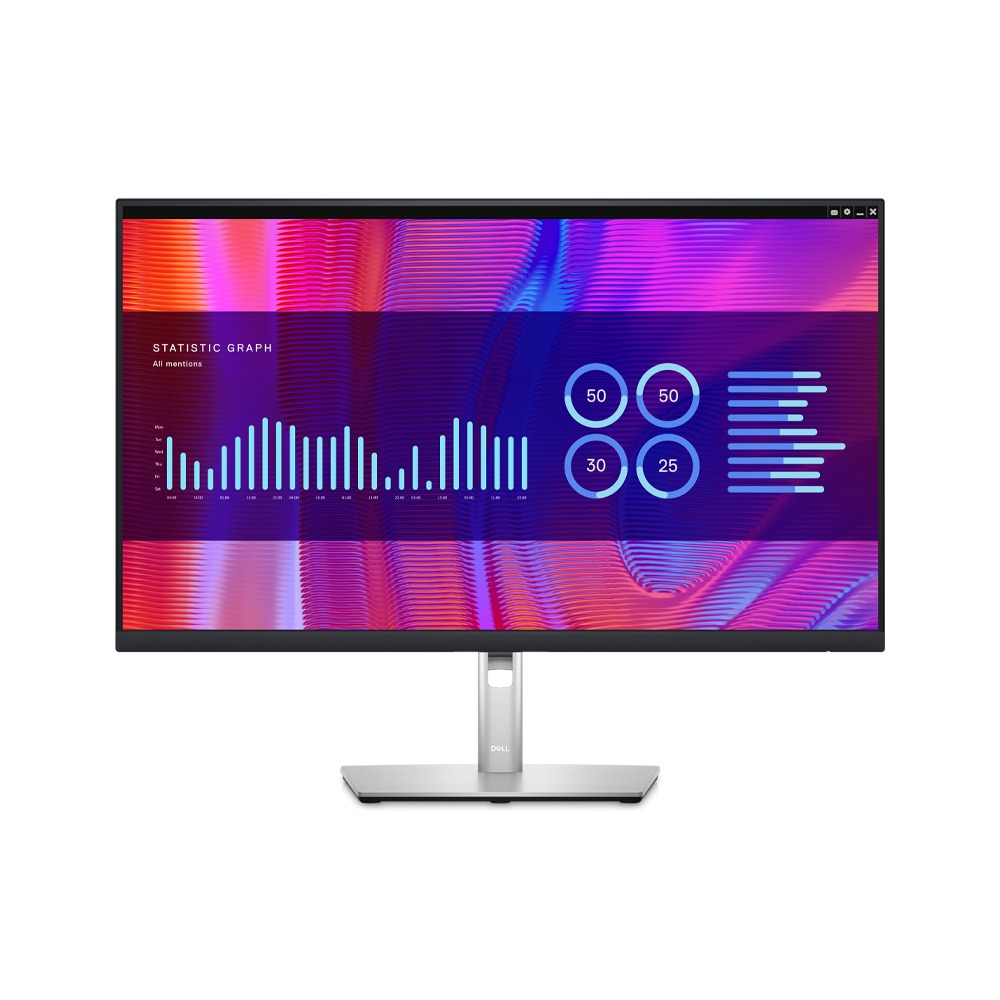
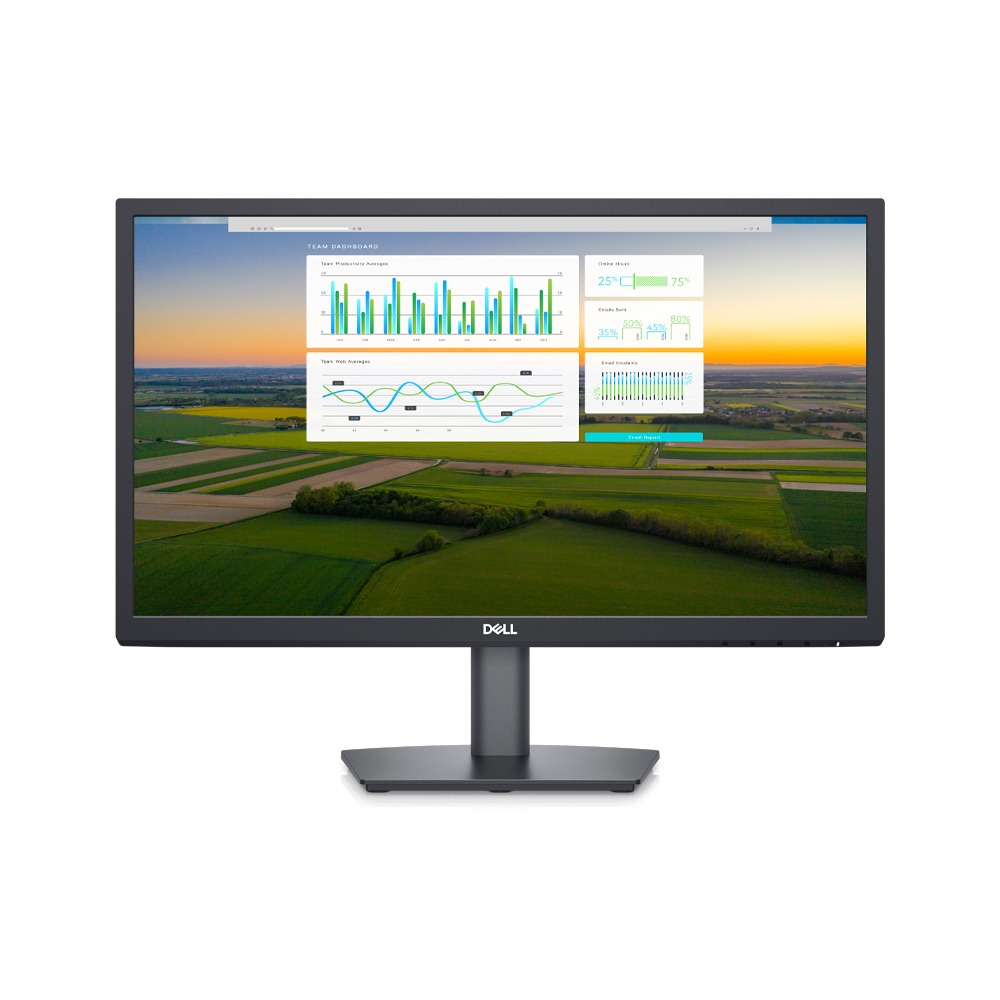
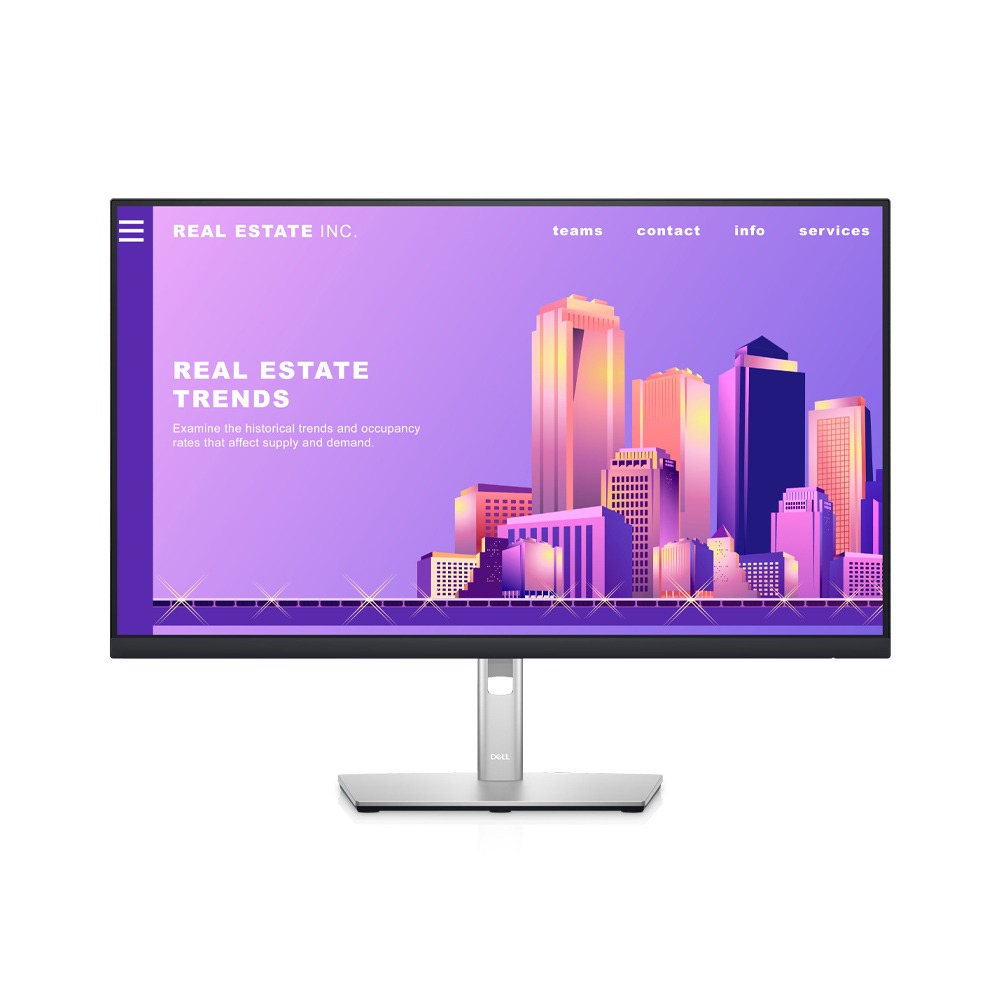
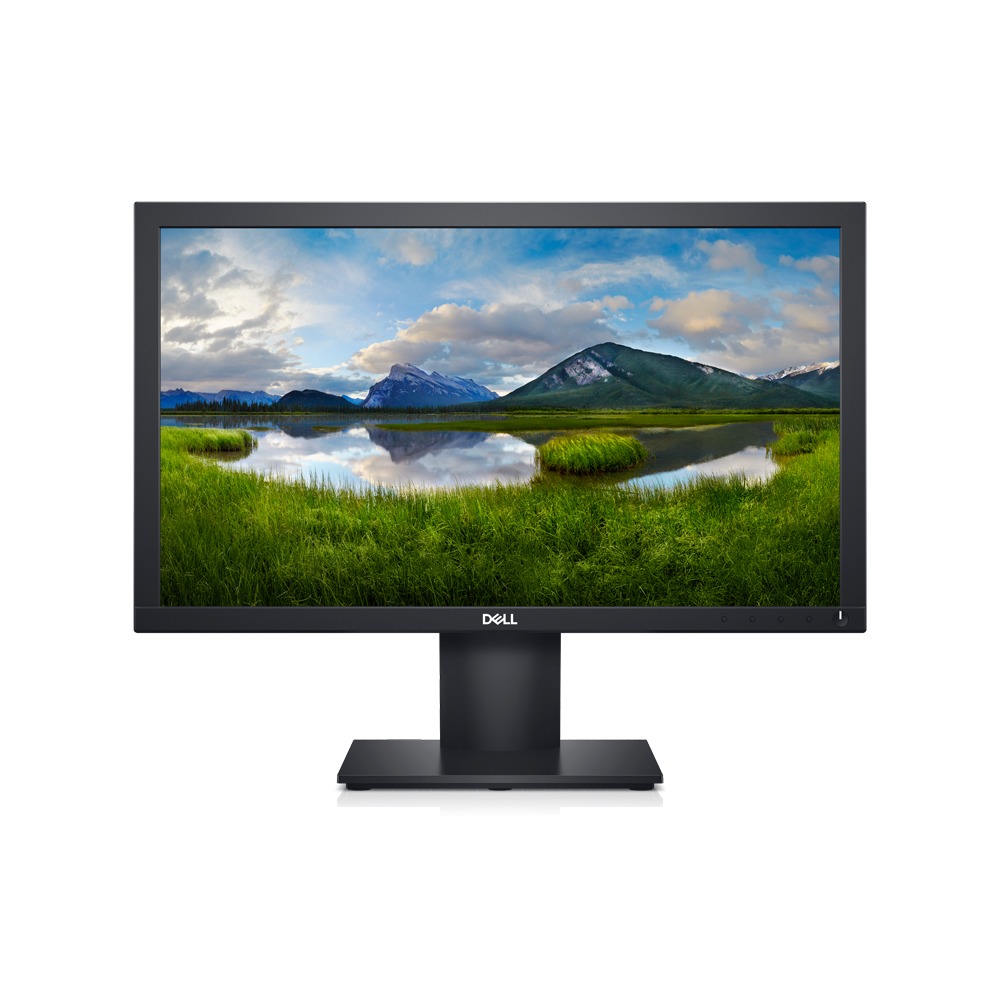
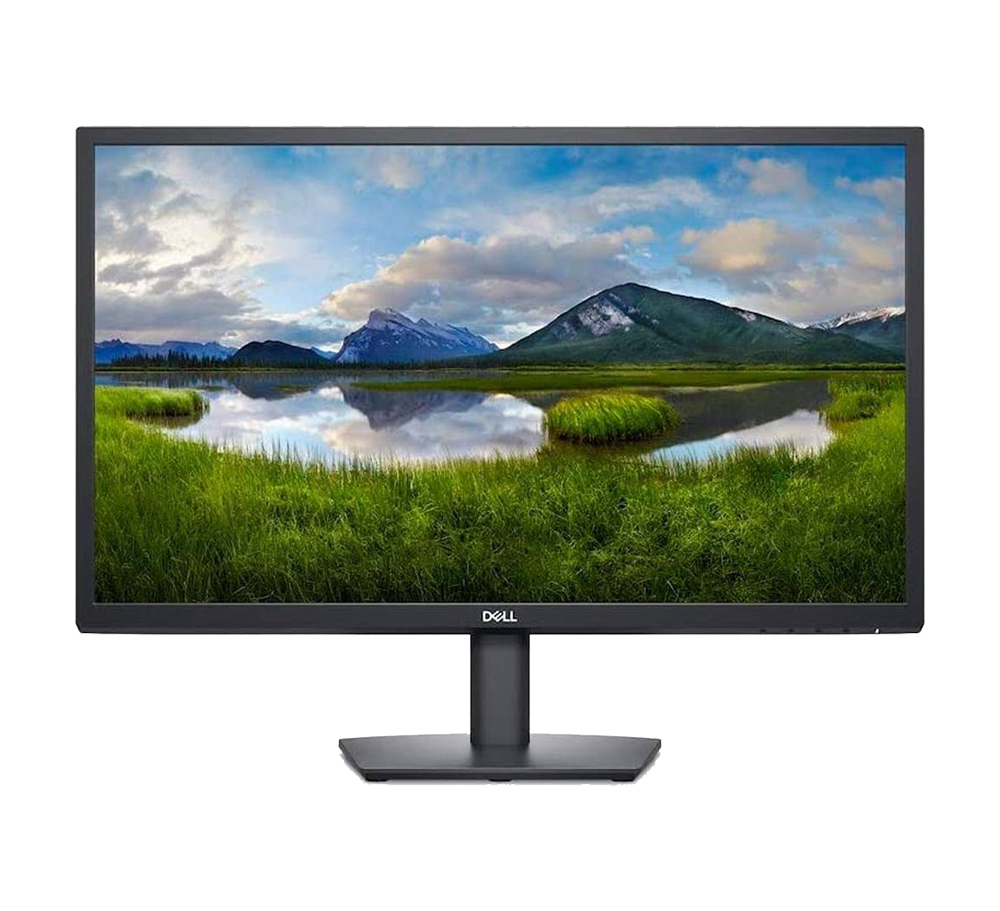
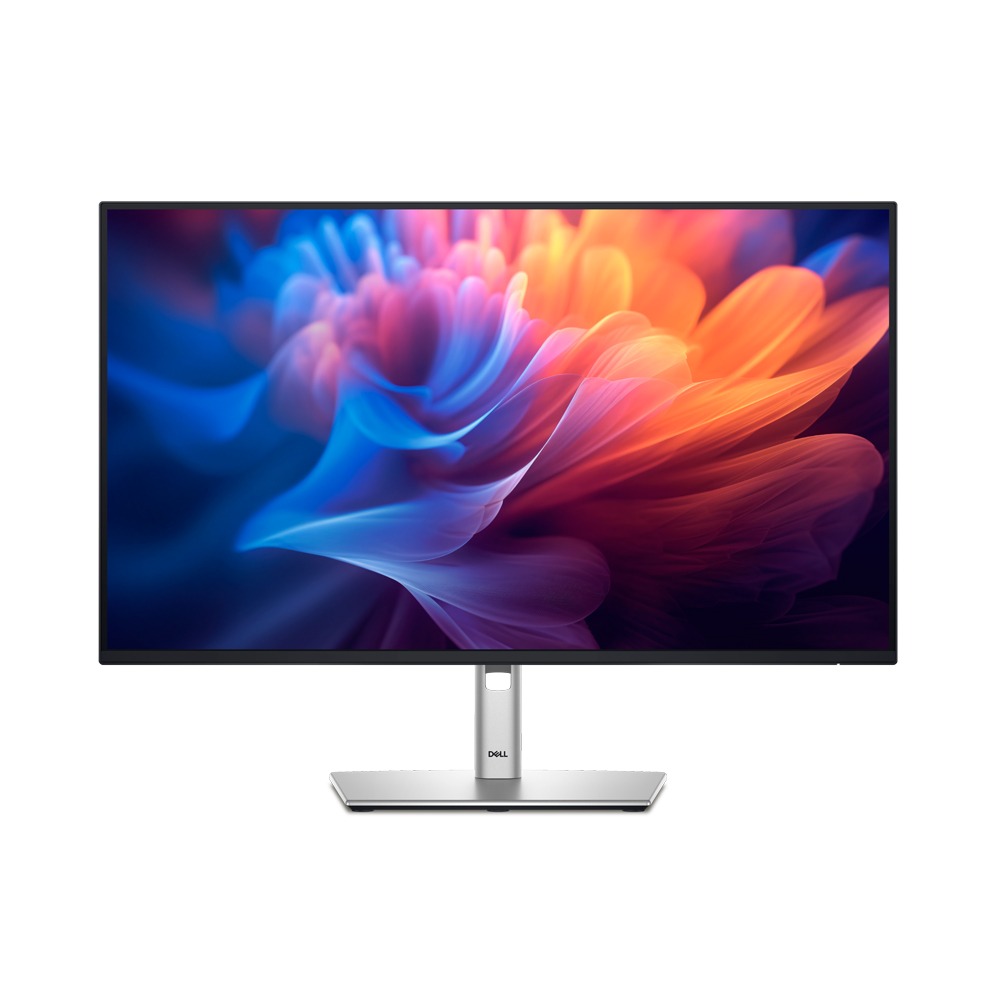
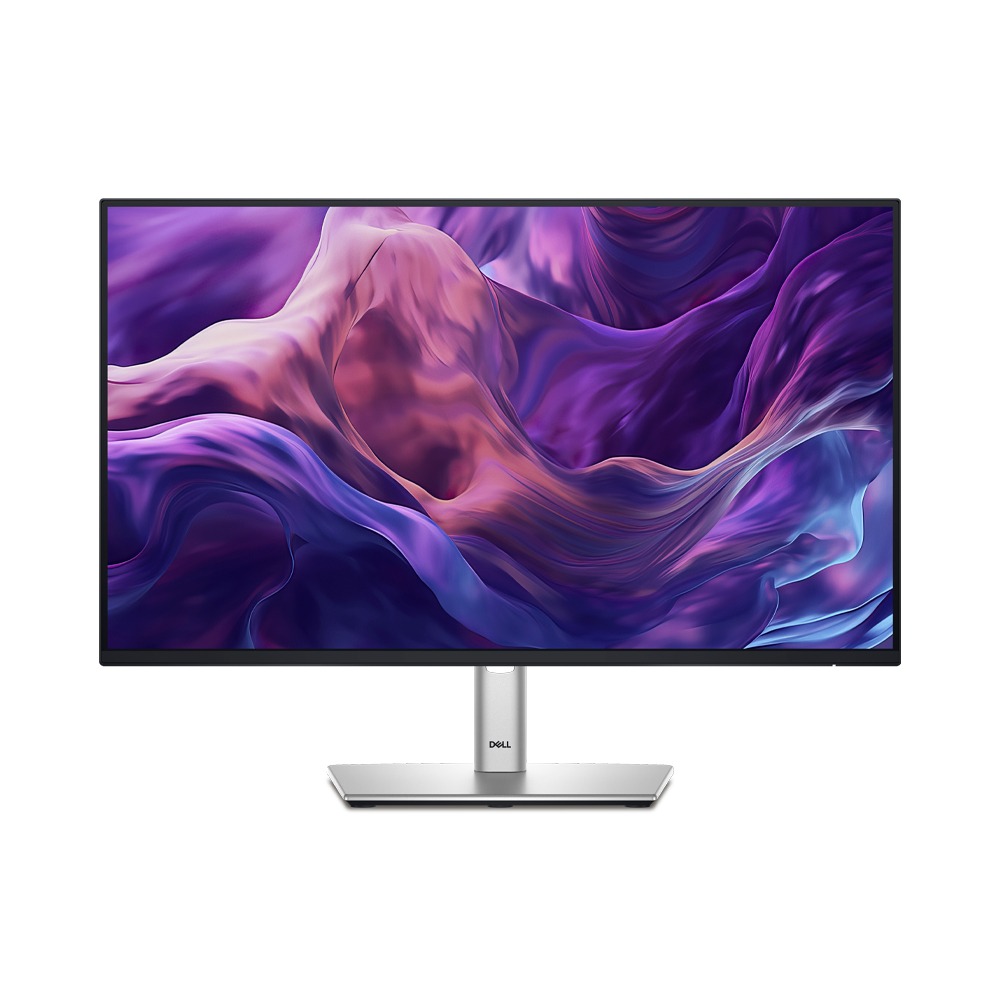
Dell USB-C Monitor – 27-Inch Hub Monitor (P2723DE) Features & Design A QHD hub monitor optimised for productivity QHD Screen: Optimised to deliver high performance details and clarity. Extensive connectivity: Easily connect to your devices with DisplayPort (in), DisplayPort (out), USB-C, RJ45, HDMI, 4x SuperSpeed USB 5Gbps and more. Expand your efficiency: Boost productivity by up to 41% by expanding your desk with a keyboard, mouse and connecting dual productivity hub monitors via Dell Express Daisy Chaining — a feature that allows automatic detection of the second display, skipping the manual step of changing OSD settings. Boost your efficiency even further with the multitasking tools of Dell Easy Arrange. Comfortable and Efficient Use with Dell USB-C Monitor Designed with wellness in mind : ComfortView Plus—an always-on, built-in low blue light screen—reduces potentially harmful blue light emissions without compromising colour. Colour consistency comes standard: See consistent, vibrant colours across a wide viewing angle enabled by In-Plane Switching (IPS) technology. With 99% sRGB coverage, you get precise colours right out of the box. Beautifully functional: The stunning black finish and small base complement an improved cable management system that hides cords in the monitor riser.Moves with you: Optimise your monitor’s orientation by tilting, swiveling and adjusting the height to a maximum of 5.9Inch. Turn your workspace into an organised productivity hub Extensive connectivity: Easily connect to your devices with DisplayPort (in), DisplayPort (out), USB-C, HDMI, 4x SuperSpeed USB 5Gbps and more. Clutter-free setup: Your monitor serves as your own productivity hub with RJ45 for wired Ethernet connectivity and USB-C providing up to 90W power delivery, all in a clutter-free setup. Jumpstart productivity:Simply press the monitor power button and the power sync feature seamlessly starts your monitor and connected Dell PC, even when the laptop lid is closed. Compatible with select Dell PCs. Multitask Seamlessly with Dell USB-C Monitor & Display Manager Productivity at every level: Easy Arrange allows you to easily tile multiple applications across one or more screens with 38 pre-set window partitions and the ability to personalise up to five windows, giving you improved multitasking abilities. Seamless transitions: The auto-restore feature remembers where you left off, so applications will go back to where you left them, even after you’ve unplugged. The key to convenience: Shortcut keys can save you even more time, letting you easily configure your display management settings so you can get to work faster. More ways to manage: Asset management reports allow IT managers to quickly capture and track monitor information as well as configure multiple monitors at once through a single setup. Eco-Friendly Design of the Dell USB-C Monitor Environmental standards: This monitor uses 85% PCR (Post-consumer Recyclable) plastic in the design and meets the latest environmental standards such as EnergyStar®, and TCO Certified Edge, and is EPEAT® Gold registered. Eco-conscious packaging:Designed with the environment in mind, Dell commercial monitors come in 100% recyclable cardboard packaging. Energy conservation: Save energy with PowerNap, a feature that dims or puts your monitor to sleep when your monitor is not in use. Dell USB-C Monitor Connectivity Options Ports and Slots: Security lock slot (based on Kensington Security Slot™) Power connector HDMI port Stand lock DisplayPort (in) DisplayPort (out) USB-C port SuperSpeed USB 5Gbps (USB 3.2 Gen1) Type-A downstream ports (4) RJ45 connector Looking for an affordable and reliable display? Check out the Dell 22 Monitor – E2222H available now at Supertech Computer. Read more
Related products
$ 99.63
$ 94.06